
Viewing a Shared AI Research Analysis
Learn how to open and read an AI research analysis someone has shared with you — no account required.
Last updated July 5, 2026
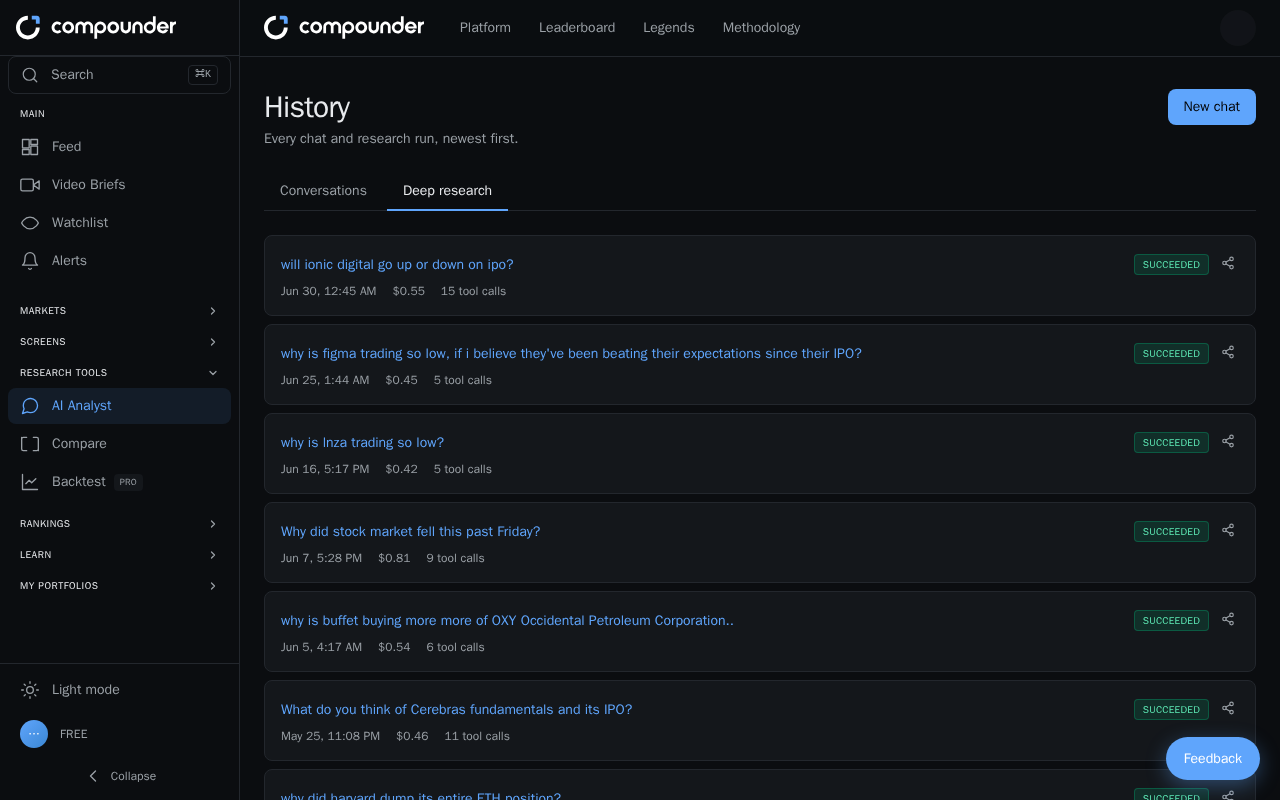
What Is a Shared AI Research Analysis?
When someone runs an AI-powered research analysis, they can share a link to their results with anyone. Opening that link takes you to a dedicated page where you can read the full analysis — no account or login needed.
What You'll See on the Page
Once you open the shared link, the analysis page displays everything in a read-only format:
- The research question — the topic or question the AI was asked to investigate.
- Date and time — when the analysis was run.
- The full research trace — a step-by-step breakdown of how the AI searched for information, analyzed it, and arrived at its findings and conclusions.
The analysis is public to anyone who has the link, but you cannot edit or modify it in any way.
How to View a Shared Analysis
- Click the shared research link you received (for example, via email, message, or chat).
- Read the research question and note the date the analysis was run.
- Scroll through the research trace to follow the AI's search process, analysis steps, and final findings.
Running Your Own Analysis
If the shared analysis inspires you to investigate a topic yourself, you can start your own. Look for the Run your own analysis option at the top of the page and click it to get started. You may need an account to create and save your own analyses.
Navigating Away
To return to the home page at any time, click the Compounder logo at the top of the page.