
Creating and Testing Prototypes
Build interactive, clickable prototypes to visualize ideas, test user flows, and gather feedback before committing to full development.
Last updated July 6, 2026
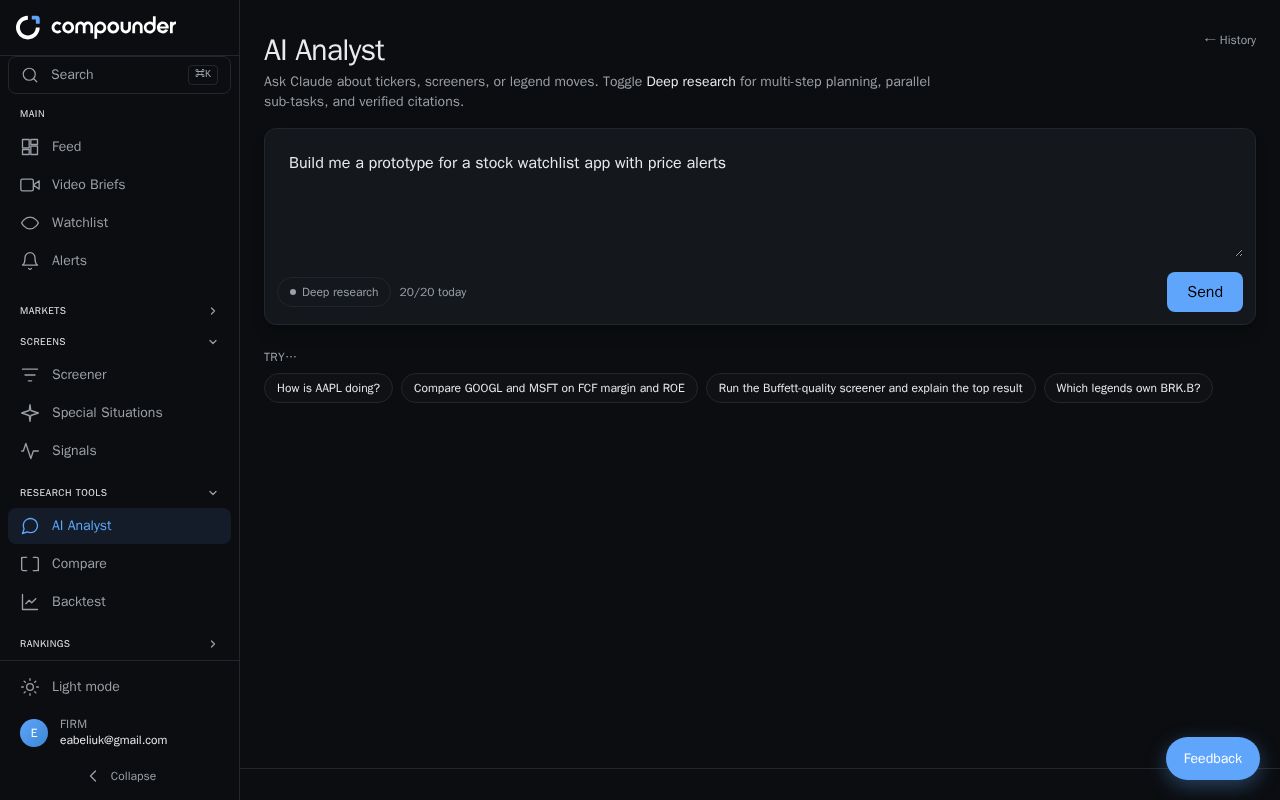
What is the Prototype Builder?
The Prototype Builder lets you quickly turn a feature idea or user flow into an interactive, clickable experience — complete with working buttons, navigation, forms, and realistic sample data. You can test ideas, align your team, or demo a concept to stakeholders without writing a single line of code or building anything permanent.
Everything the prototype contains is self-contained. Sample data feels realistic but is not connected to any live system or database, so you can click and explore freely.
Before You Begin
To get started, open the Prototype Builder by requesting to build a prototype. You'll be guided through a short setup where you describe what you want to create and what you're hoping to accomplish.
Setting Up Your Prototype
Step 1: Describe what you're prototyping
Start by describing the feature, user flow, or app concept you want to explore. The more context you provide, the better — but the tool can also infer missing details and fill in reasonable defaults as it builds.
Step 2: Choose your goal
Tell the tool why you're building this prototype. Common goals include:
- Brainstorming — exploring an idea early in the process
- Team alignment — getting everyone on the same page about how something should work
- User testing or validation — checking whether a flow makes sense to real users
- Stakeholder demo — showing a concept to decision-makers
- Foundation for production — using the prototype as a starting point for the real build
Step 3: Pick your level of detail
Choose how polished you want the result to be:
- Rough sketches — quick and loose, great for early brainstorming
- Basic working version — functional flows without heavy visual polish
- Polished and realistic — a high-fidelity result suitable for stakeholder demos or user testing
Reviewing and Clicking Through the Prototype
As the prototype is built, screens appear directly in your browser. You don't have to wait until everything is finished — you can start exploring as each screen is created.
A finished prototype typically includes:
- 3–5 key screens covering the main user journey
- Working navigation between screens — buttons, menus, and links you can actually click
- Interactive elements such as forms and toggles that respond to your input
- Realistic sample data that makes the experience feel real
Click through the entire flow to verify the sequence makes sense, confirm that buttons and forms behave as expected, and spot anything that needs adjusting.
Giving Feedback and Refining in Real Time
You can provide feedback while the prototype is being built or after you've clicked through it. Share your thoughts and watch changes appear immediately — there's no need to start over when something isn't quite right. Iterate as many times as needed until the prototype matches your vision.
You can also share the prototype with teammates, stakeholders, or actual users and ask them to click through the same experience. Their feedback can then guide your next round of refinements.
Understanding the Summary Document
When your prototype is complete, you'll receive a summary document that explains:
- What was prototyped and which screens are included
- The flow a user experiences from start to finish
- The design choices made and the reasoning behind them
This document is useful for sharing context with teammates who didn't watch the prototype being built, or for keeping a record of decisions made during the design process.
Tips for Getting the Most Out of Prototyping
- Use a clear goal from the start — knowing whether you're brainstorming or preparing a demo shapes how the prototype is built.
- Test user flows end-to-end, not just individual screens, to catch gaps in navigation or logic.
- Invite real users or teammates to click through the prototype independently before you gather their feedback — watching someone navigate without guidance reveals usability issues you might miss.
- Prototype early and often. Because changes happen instantly, it's much faster to refine an idea here than after development has started.